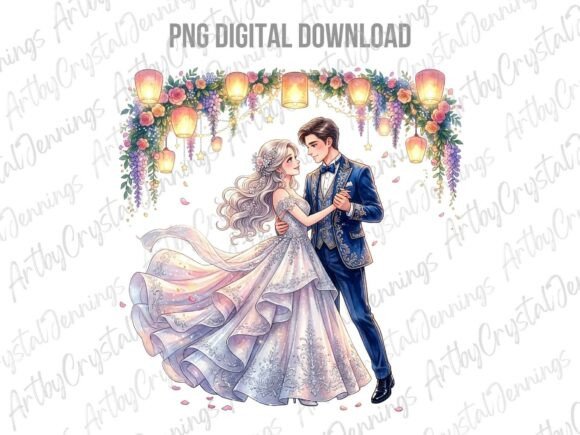
Celebrate in Style: Essential Just Married Clipart for Your Projects
There is a specific kind of energy that surrounds a wedding day—a blend of elegance, excitement, and timeless romance. Capturing that feeling in a digital project requires more than just a good idea; it demands high-quality visual assets. Whether you are a small business owner creating custom wedding favors, a graphic designer building a wedding planner, or a DIY enthusiast making a scrapbook for a friend, the imagery sets the tone. This is where a robust collection of wedding day clipart becomes an indispensable part of your creative toolkit, transforming blank canvases into heartfelt designs.
The Versatility of a Comprehensive Clipart Bundle
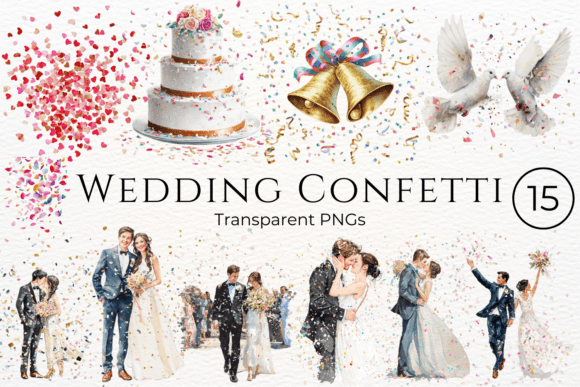
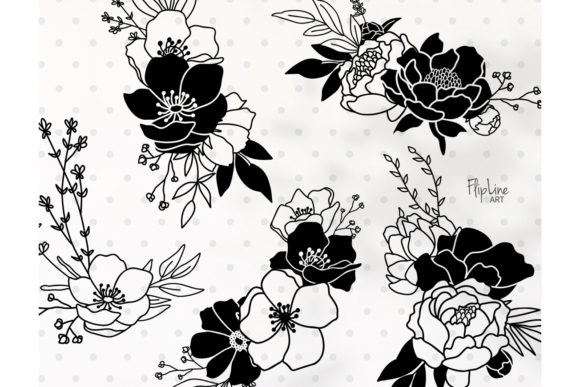
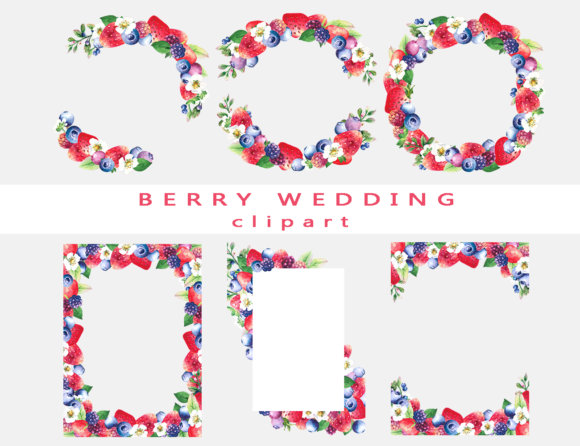
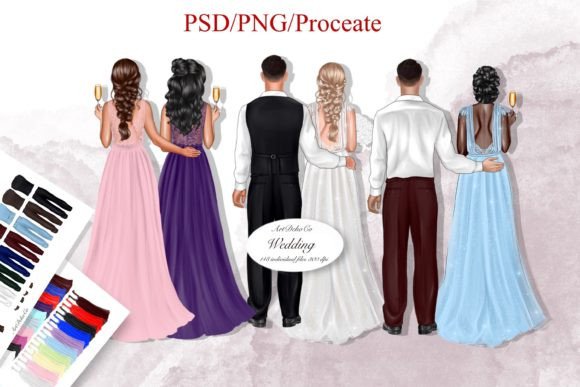
When sourcing design assets, consistency and variety are paramount. A professional-grade collection typically includes a range of file types to ensure compatibility across different software. For instance, a bundle offering 144 high-quality, unique RGB PNG files with transparent backgrounds provides immediate drag-and-drop usability. These files are perfect for layering over photos, textures, or solid color backgrounds without the hassle of removing unwanted white edges.
Beyond standard PNGs, having access to editable files like PSD (Adobe Photoshop) and Procreate files is a game-changer for designers who need to customize colors, resize elements without loss of quality, or integrate the art directly into their workflow. The inclusion of objects ranging from small 500x500 pixel icons to massive 1900x3300 pixel elements at 300 DPI means you are equipped for both web resolution and high-end print production. This scalability is crucial for maintaining professional standards across various media.
Practical Applications for Wedding Day Imagery
The utility of high-quality wedding clipart extends far beyond simple decoration. For those in the wedding industry, these assets are functional tools for building brand identity and marketing materials.
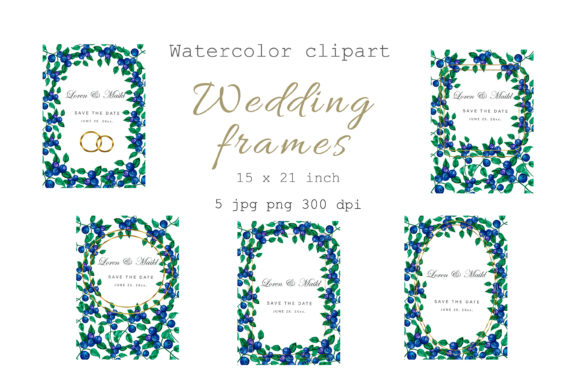
Stationery and Invitations: The most obvious application is in print. Use these graphics to design save-the-dates, wedding invitations, RSVP cards, and menus. The transparency of PNG files allows you to easily overlay text and monograms, creating a cohesive look that matches the wedding theme.
Web and Digital Design: For wedding planners, photographers, and bloggers, visual consistency online is key. You can use these cliparts to create engaging blog headers, sidebar widgets, or social media graphics. A cohesive visual language across Instagram, Pinterest, and a personal website helps build brand recognition and makes your content instantly identifiable to your audience.
Packaging and Merchandise: If you sell physical products—perhaps bridal robes, candle favors, or custom mugs—having access to scalable design elements allows you to mock up packaging and product designs quickly. The "Just Married" motifs are particularly popular for post-wedding celebration items and keepsakes.
Enhancing Visual Communication and Brand Identity
Good design is about communication. When you use professional, high-resolution assets, you signal quality and attention to detail to your audience. This is vital for building trust, especially if you are selling services or products related to the wedding market.
Consistency: Using a single, comprehensive set of clipart ensures that your color palettes and stylistic elements match perfectly across all touchpoints. You avoid the disjointed look that comes from mixing random assets found from different sources.
Engagement: Visuals drive engagement. On social media, posts with relevant, high-quality graphics receive significantly more interaction than text-only updates. Using charming wedding motifs can make your content more shareable, increasing your reach within the bridal community.
Tips for Integrating Clipart into Your Workflow
To get the most out of a premium clipart bundle, consider these practical workflow tips:
- Layering and Composition: Don't just place an image on a background. Use the transparent PNGs to create depth. Place elements in the foreground and background to create a sense of dimension in your designs.
- Color Matching: While the clipart comes in specific colors, most files can be adjusted. If you are using editable PSD files, tweak the hue and saturation to match specific wedding color schemes or brand guidelines.
- File Management: With 144 files, organization is key. Create folders based on element type (e.g., "Rings," "Flowers," "Text," "Vehicles") to speed up your design process.
- Commercial Use: Always verify the licensing. A bundle designed for commercial use allows you to create products for sale, but it’s good practice to ensure the license covers print-on-demand or mass production if that is your business model.
Optimizing for Print vs. Web
Understanding the technical specifications of your assets is essential for a professional finish.
For Print: The 300 DPI specification is the industry standard for crisp printing. When designing invitations or wall art, ensure your canvas in Photoshop or Illustrator is set to 300 DPI. The larger file sizes (up to 1900x3300 pixels) ensure that even large format prints, like posters or signage, remain sharp and pixel-perfect.
For Web: While the files are high-resolution, you will need to optimize them for faster load times on websites. Use the smaller 500x500 pixel files for web icons or resize the larger files in your web design software to 72 DPI for quicker loading without sacrificing visual quality on screens.
Final Thoughts on Creative Freedom
Having a versatile set of wedding day clipart is like having a well-stocked pantry; it empowers you to create on demand without scrambling for ingredients. It allows you to focus on the creative concept rather than the technical limitations of sourcing assets. Whether you are designing a logo for a new bridal boutique, creating a sticker set for a planner community, or crafting a personalized gift, these assets provide the professional foundation needed to bring your vision to life with elegance and ease.